
How to Add WordPress Breadcrumbs Without a Plugin (Classic and Block Themes)
Table of Contents
The first time I added wordpress breadcrumbs without a plugin, it felt like leaving a trail of little hints for both people and search engines. Suddenly, a visitor landing deep in a blog post wasn’t stuck. This breadcrumb navigation enhanced user experience, letting them climb back up the site, one crumb at a time.
The best part is you don’t need Yoast SEO, Rank Math, Breadcrumb NavXT, All in One SEO, or any other breadcrumb plugin to do it. You just need a safe place to add a small function, then a clean spot to display it.
In this guide, I’ll walk you through a plugin-free breadcrumb setup, including optional JSON-LD schema, plus where to paste it for classic themes and block themes.
What breadcrumbs do (and why I still bother in 2026)
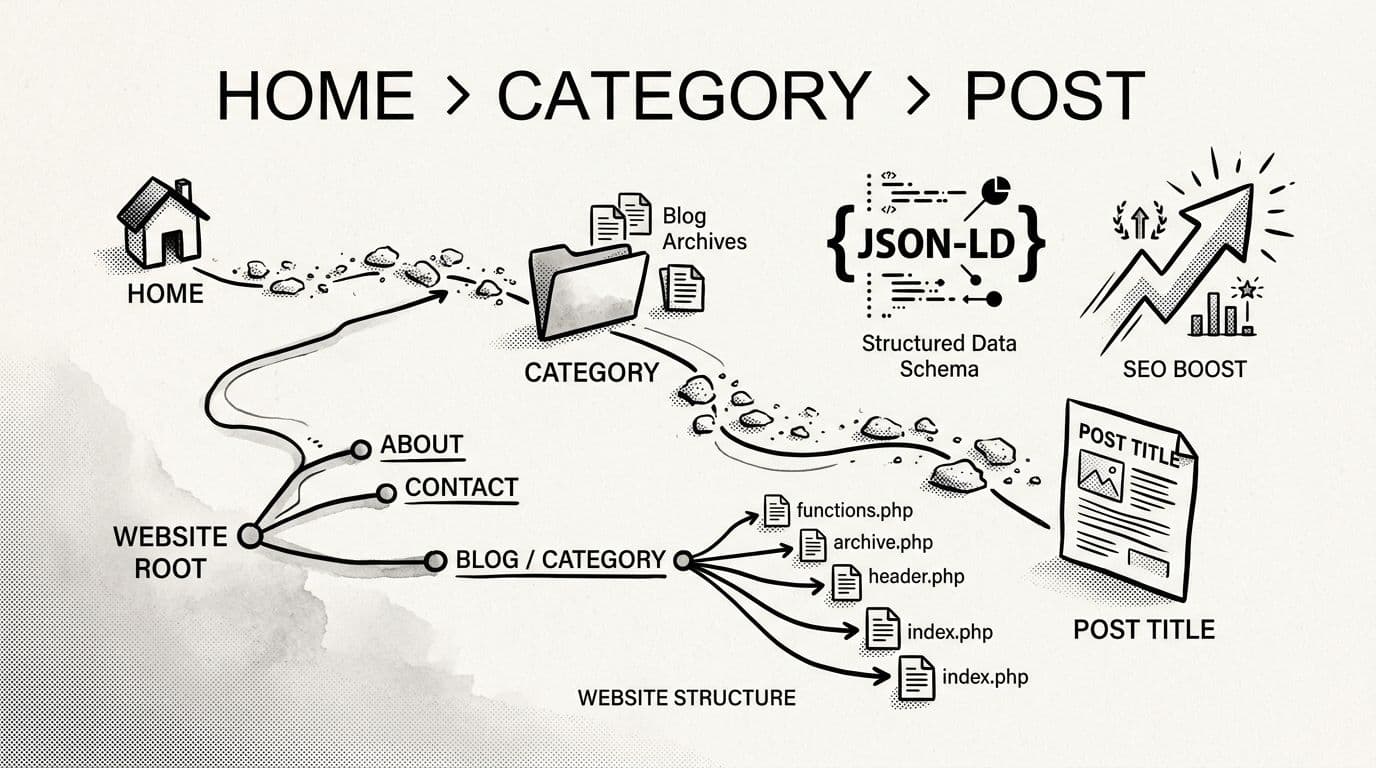
Breadcrumbs are simply a navigation trail that reflects your site’s hierarchy, usually near the top of a page, like: Home > Blog > Category > Post Title.
I like them for three reasons:
First, they reduce that “where am I?” feeling, which lowers bounce rate. On long sites with deep site hierarchy, that matters more than fancy effects from a standard navigation menu.
Second, they encourage browsing through internal linking. When someone sees a category crumb, they click it. That’s more pages per visit without pushing popups.
Third, they help search engines understand structure for better search engine optimization. Hierarchy-based breadcrumbs with schema can enable rich snippets, and sometimes that changes how results display on search engine results pages.
Still, breadcrumbs can get messy if you hardcode them badly. Pages don’t have categories. Custom post types have their own rules. Archives need different logic. So my goal is a simple breadcrumb trail that behaves well, and doesn’t break on theme updates.
Before you touch theme files: child theme, backup, and a calm workspace
I don’t edit a live parent theme anymore. I learned that lesson the loud way.
Do this first:
- Create (or enable) a child theme, so updates don’t wipe your breadcrumb code. If you need a refresher, here’s a solid walkthrough: What is a WordPress child theme?
- Back up your site, at least your theme files and database. If your host offers staging, use it.
- Use a real code editor for manual coding (even if it’s just VS Code) and keep changes small. One paste, one save, one test.
If you’re new to dropping PHP into functions.php, where your code will live, it also helps to skim a few examples first. I keep this bookmarked: useful WordPress code snippets for functions.php
Add the WordPress Breadcrumbs Function (plus optional Schema Markup)
Paste the code below into your child theme’s functions.php. It creates:
- A breadcrumb builder (
smartwp_get_breadcrumb_items()) - A display function (
smartwp_breadcrumbs()) - A shortcode (
[smartwp_breadcrumbs]) for block themes - Optional structured data output in your site head
<?php
/**
 * Plugin-free breadcrumbs with optional JSON-LD schema.
 * Add to your child theme's functions.php.
 */

if ( ! function_exists( 'smartwp_get_breadcrumb_items' ) ) {
	function smartwp_get_breadcrumb_items() {
		$items = array();

		// Don't show on the homepage.
		if ( is_front_page() ) {
			return $items;
		}

		$home_label = esc_html__( 'Home', 'smartwp' );
		$items[]    = array(
			'url'   => home_url( '/' ),
			'label' => $home_label,
		);

		if ( is_home() ) {
			$items[] = array(
				'url'   => '',
				'label' => esc_html__( 'Blog', 'smartwp' ),
			);
			return $items;
		}

		if ( is_singular( 'post' ) ) {
			$blog_page_id = (int) get_option( 'page_for_posts' );
			if ( $blog_page_id ) {
				$items[] = array(
					'url'   => get_permalink( $blog_page_id ),
					'label' => get_the_title( $blog_page_id ),
				);
			}

			$cats = get_the_category();
			if ( ! empty( $cats ) && ! is_wp_error( $cats ) ) {
				$primary_cat = $cats[0];
				$items[]     = array(
					'url'   => get_category_link( $primary_cat ),
					'label' => $primary_cat->name,
				);
			}

			$items[] = array(
				'url'   => '',
				'label' => get_the_title(),
			);
			return $items;
		}

		if ( is_page() ) {
			$ancestors = array_reverse( get_post_ancestors( get_queried_object_id() ) );
			foreach ( $ancestors as $ancestor_id ) {
				$items[] = array(
					'url'   => get_permalink( $ancestor_id ),
					'label' => get_the_title( $ancestor_id ),
				);
			}

			$items[] = array(
				'url'   => '',
				'label' => get_the_title(),
			);
			return $items;
		}

		if ( is_category() || is_tag() || is_tax() ) {
			$term = get_queried_object();
			if ( $term && ! is_wp_error( $term ) ) {
				$items[] = array(
					'url'   => '',
					'label' => single_term_title( '', false ),
				);
			}
			return $items;
		}

		if ( is_post_type_archive() ) {
			$items[] = array(
				'url'   => '',
				'label' => post_type_archive_title( '', false ),
			);
			return $items;
		}

		if ( is_search() ) {
			$items[] = array(
				'url'   => '',
				/* translators: %s: search query */
				'label' => sprintf( esc_html__( 'Search: %s', 'smartwp' ), get_search_query() ),
			);
			return $items;
		}

		if ( is_404() ) {
			$items[] = array(
				'url'   => '',
				'label' => esc_html__( 'Not found', 'smartwp' ),
			);
			return $items;
		}

		// Fallback for other archives.
		if ( is_archive() ) {
			$items[] = array(
				'url'   => '',
				'label' => get_the_archive_title(),
			);
		}

		return $items;
	}
}

if ( ! function_exists( 'smartwp_breadcrumbs' ) ) {
	function smartwp_breadcrumbs() {
		$items = smartwp_get_breadcrumb_items();
		if ( empty( $items ) ) {
			return;
		}

		$separator = apply_filters( 'smartwp_breadcrumb_separator', '›' );

		echo '<nav class="smartwp-breadcrumbs" aria-label="' . esc_attr__( 'Breadcrumbs', 'smartwp' ) . '">';
		echo '<ol class="smartwp-breadcrumbs__list">';

		$count = count( $items );

		foreach ( $items as $index => $item ) {
			$is_last = ( $index === ( $count - 1 ) );

			echo '<li class="smartwp-breadcrumbs__item">';

			if ( ! $is_last && ! empty( $item['url'] ) ) {
				echo '<a class="smartwp-breadcrumbs__link" href="' . esc_url( $item['url'] ) . '">';
				echo esc_html( $item['label'] );
				echo '</a>';
			} else {
				echo '<span class="smartwp-breadcrumbs__current" aria-current="page">';
				echo esc_html( $item['label'] );
				echo '</span>';
			}

			if ( ! $is_last ) {
				echo '<span class="smartwp-breadcrumbs__sep" aria-hidden="true"> ' . esc_html( $separator ) . ' </span>';
			}

			echo '</li>';
		}

		echo '</ol>';
		echo '</nav>';
	}
}

add_shortcode(
	'smartwp_breadcrumbs',
	function () {
		ob_start();
		smartwp_breadcrumbs();
		return ob_get_clean();
	}
);

/**
 * Optional: output BreadcrumbList schema in the <head>.
 */
add_action(
	'wp_head',
	function () {
		$items = smartwp_get_breadcrumb_items();
		if ( empty( $items ) ) {
			return;
		}

		$list_items = array();
		$pos        = 1;

		foreach ( $items as $item ) {
			$url = ! empty( $item['url'] ) ? $item['url'] : get_permalink();

			$list_items[] = array(
				'@type'    => 'ListItem',
				'position' => $pos,
				'name'     => wp_strip_all_tags( (string) $item['label'] ),
				'item'     => esc_url_raw( $url ),
			);

			$pos++;
		}

		$schema = array(
			'@context'        => 'https://schema.org',
			'@type'           => 'BreadcrumbList',
			'itemListElement' => $list_items,
		);

		echo "n" . '<script type="application/ld+json">' . wp_json_encode( $schema ) . '</script>' . "n";
	},
	20
);
Quick gotcha: if your theme’s text domain isn’t
smartwp, swap it to match your theme so translations work.
Show the breadcrumbs: classic themes vs block themes
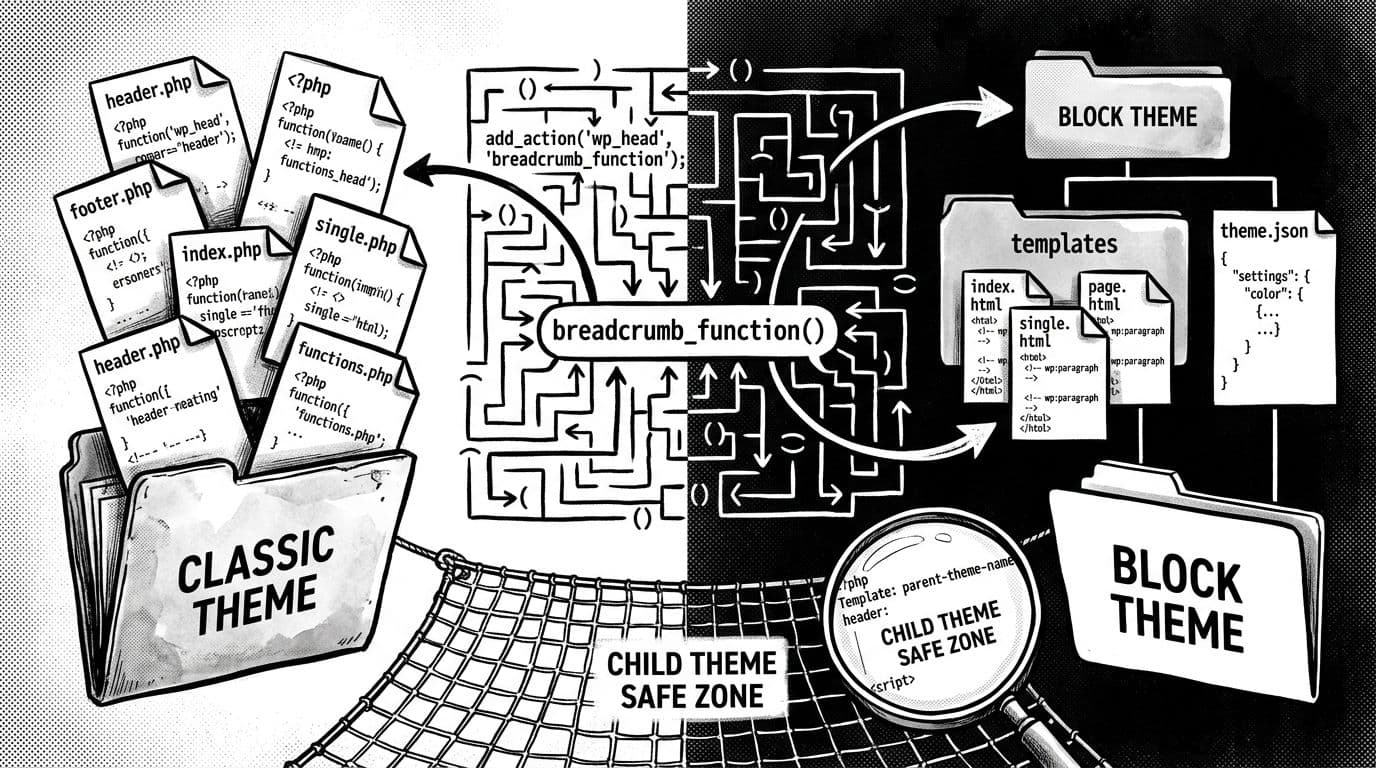
Where you place WordPress breadcrumbs depends on how your theme renders templates.
Classic themes (PHP templates like single.php and page.php)
In a classic theme, I usually place breadcrumbs right under the header, before the main content.
Common files to edit (in your child theme):
single.php(blog posts)page.php(pages)archive.php(category archives)
Add this line where you want the trail to appear:
<?php smartwp_breadcrumbs(); ?>
If your theme uses template parts, you can also place it in header.php or a content template like template-parts/content-single.php. The “right” spot is simply the one that matches your layout.
Block themes (Site Editor templates)
Block themes don’t let you paste PHP into templates/*.html. So I use the shortcode we registered.
Steps I follow:
- Go to Appearance > Editor
- Open the template (Single, Page, Archive)
- Add a shortcode inside a Gutenberg block near the top
- Paste:
[smartwp_breadcrumbs]
Another gotcha: some caching setups treat shortcodes fine, but test one page first so you don’t cache a weird layout.
CSS Styling Your Breadcrumbs So They Don’t Look Like an Afterthought
Once the breadcrumb trail shows up to supplement your navigation menu, I make it match the theme with a tiny bit of CSS. Add this to your child theme style.css:
.smartwp-breadcrumbs {
  font-size: 0.95rem;
  margin: 1rem 0;
}

.smartwp-breadcrumbs__list {
  list-style: none;
  padding: 0;
  margin: 0;
}

.smartwp-breadcrumbs__item {
  display: inline;
}

.smartwp-breadcrumbs__link {
  text-decoration: none;
}

.smartwp-breadcrumbs__link:hover {
  text-decoration: underline;
}

.smartwp-breadcrumbs__current {
  font-weight: 600;
  opacity: 0.9;
}
If you want to change the breadcrumb separator site-wide, add this to functions.php:
add_filter( 'smartwp_breadcrumb_separator', function () {
	return '/';
} );
This CSS can also be adapted for WooCommerce breadcrumbs on product pages.
When something looks off, it’s usually one of these issues: the code went into the parent theme, a syntax error broke the file, or the breadcrumbs are printing in a template that doesn’t run for that page type.
Conclusion: a breadcrumb trail you actually control
Adding wordpress breadcrumbs without a plugin gives two key wins: breadcrumb navigation that enhances user experience for visitors and improves search engine optimization, plus a structure you can tweak anytime. This trail starts at the homepage and mirrors your site’s structure back to the homepage, giving you full control.
Once the function is in place, drop it into classic templates or use a shortcode inside a block theme.
Set this up on a staging site first, and you will move faster with less stress. After all, wordpress breadcrumbs should guide people smoothly with stability, not send you into panic mode when a theme update hits.