
How To Enable Brotli Compression for WordPress on Nginx
Table of Contents
The first time I enabled Brotli on an Nginx WordPress server, it felt like tightening a loose belt. Nothing about my theme changed, yet pages snapped into place faster.
Brotli won’t fix slow hosting or a heavy plugin stack, but it does shrink what your server sends. That means less data over the wire (lowering bandwidth costs), quicker first render, and often better Core Web Vitals for improved web performance. If you’re already using Nginx, you’re close.
In this guide, I’ll walk through a practical, 2026-friendly setup for brotli compression nginx on a WordPress stack, with verification steps, troubleshooting, and a quick rollback plan.
Why Brotli compression on Nginx usually beats “just gzip”

Compression is like packing a suitcase; the tighter you pack, the less you carry. Brotli often packs text assets tighter than gzip, especially for CSS and JavaScript, relying on the LZ77 algorithm and Huffman coding for a superior compression ratio. The result is smaller transfers and, on real pages, less waiting.
On WordPress, that usually means compressing:
- HTML (dynamic pages)
- CSS and JS (theme, plugins, block assets)
- JSON, XML, SVG
I skip already-compressed static assets (JPG, PNG, MP4, PDF, ZIP, WOFF2). Trying to compress those wastes CPU and rarely helps.
Here’s the quick decision view I use:
| Option | Best for | What to watch |
|---|---|---|
| Brotli (dynamic) | Most WordPress pages and assets | CPU cost at high levels |
Brotli (static .br) | Long-cache assets you can precompress | Needs .br files present |
| Gzip fallback | Older clients, safety net | Keep MIME types aligned |
If you want background reading before touching configs, Linux Hint’s walkthrough on enabling Brotli in Nginx is a helpful companion, even if your exact install path differs.
My rule: start with a moderate compression level, then measure. Chasing the highest level can trade bandwidth savings for slower server response.
Before I change anything, I check what’s running
First, I confirm Nginx is actually the thing serving responses (not only a CDN), and I grab build info.
-
Check current headers (baseline):
curl -I https://example.com/
-
See what encodings the server supports when the client sends the Accept-Encoding header:
curl -I -H ‘Accept-Encoding: br,gzip’ https://example.com/
If Brotli is already active, you’ll see Content-Encoding: br on compressible responses. If you see gzip, you’re at least compressing something.
Next, I check how Nginx was built:
nginx -V 2>&1 | tr ' ' 'n' | sed -n '1,80p'
Two things matter here:
- Whether your Nginx supports dynamic modules (common on modern packages), which provide the architectural support needed for the Brotli module.
- Whether you can add a Brotli module without replacing your whole Nginx binary.
Real-world WordPress setups can get weird once caching enters the picture. I’ve seen people “enable Brotli” correctly, but a cache layer kept serving gzip files. This WordPress.org thread on enabling Brotli compression mirrors that exact pain, and it’s worth skimming if you’re troubleshooting later.
Install Brotli support on Nginx (Debian/Ubuntu and RHEL)
There are two sane paths in 2026: install a packaged Brotli module (best), or build a dynamic module that matches your Nginx (still common on VPSes).
Debian/Ubuntu: look for a Brotli module package first
I start by searching the repo:
sudo apt update
apt-cache search brotli | grep -i nginx
If your distro offers an Nginx Brotli module package (such as those including ngx_brotli), install it and move on. Package names vary by distro and repo, so I don’t hardcode one name. After install, confirm the module files exist under your Nginx modules directory (often /usr/lib/nginx/modules/).
If you’re on Ubuntu and want a recent, practical reference for a modern setup, OneUptime’s March 2026 guide on Nginx with Brotli on Ubuntu lines up well with how most VPS builds are done today, including on Ubuntu servers.
RHEL-based (RHEL, Alma, Rocky, Fedora): same idea, different tools
Search first:
sudo dnf makecache
sudo dnf search brotli | grep -i nginx
If your repos don’t provide a module, you’ll likely need to build from source a dynamic module that matches your installed Nginx. The clean way is to use your distro’s source package and compile only the module, not a random full Nginx from the internet. Check your configure arguments with nginx -V to ensure compatibility.
At a high level, my checklist looks like this:
- Install build tools (compiler, make, dev libs)
- Get the exact Nginx source that matches your installed Nginx version
- Build the Brotli module as a dynamic
.sofor dynamic modules - Load it with
load_module ...;
These steps are vital for custom environments like a Docker container or specific distributions like Alpine Linux. If you’re not sure whether to keep gzip enabled too, Byte Pursuits has a good discussion of Brotli with gzip fallback, which matches how I run most WordPress servers.
Configure Nginx for WordPress, verify it works, and keep a rollback handy
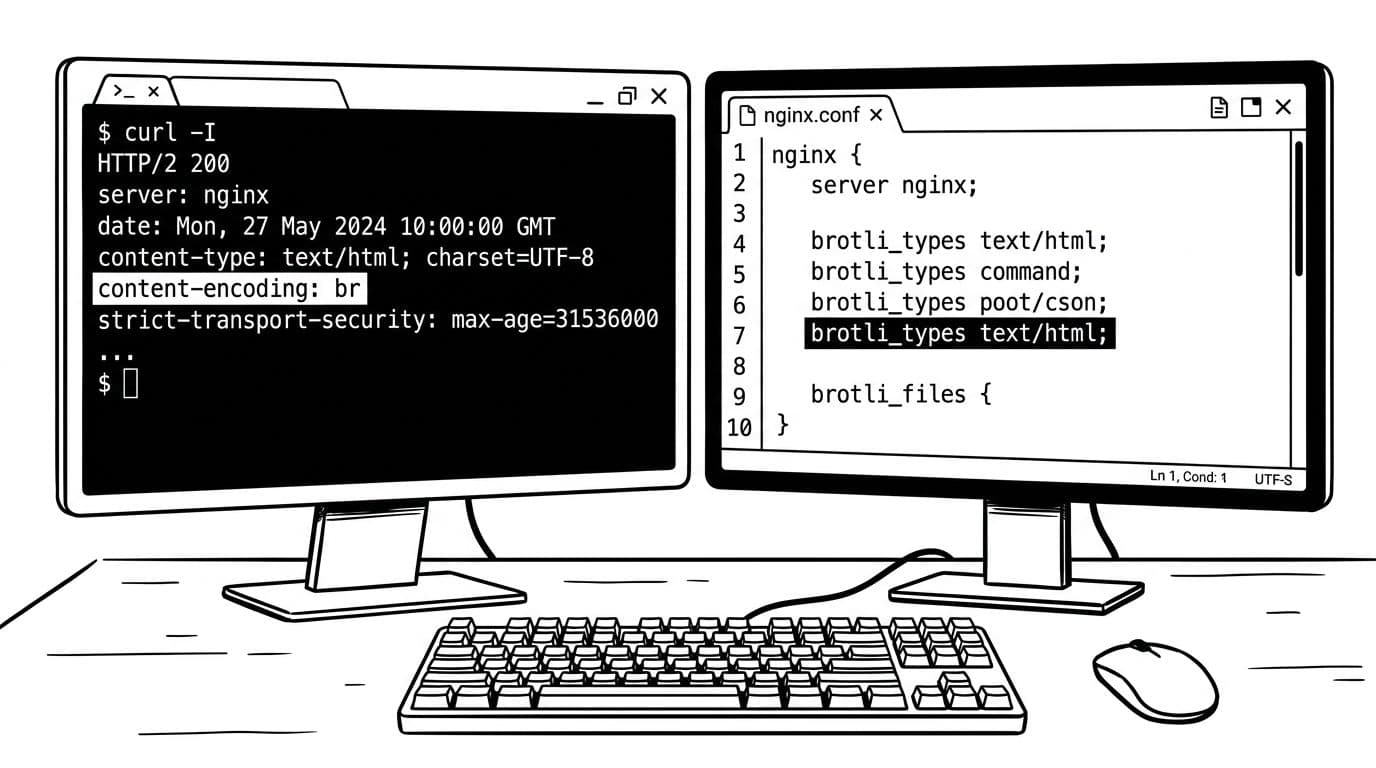
Content-Encoding: br header next to a simple Nginx config, created with AI.Load the module, then enable Brotli
If you installed or built dynamic modules, load them near the top of your main Nginx config in nginx.conf (often /etc/nginx/nginx.conf, in the main context):
load_module modules/ngx_http_brotli_filter_module.so;
load_module modules/ngx_http_brotli_static_module.so;
Then, inside the http {} block in nginx.conf (or your server block, if you prefer tighter scope):
brotli on;
brotli_comp_level 5;
brotli_min_length 1024;
brotli_types
    text/plain
    text/css
    text/html
    application/javascript
    application/json
    application/xml
    image/svg+xml;
The brotli_comp_level, brotli_min_length, and brotli_types directives handle on-the-fly compression for these MIME types using the dynamic module. If you precompress assets and serve .br files, add:
brotli_static on;
I also keep gzip enabled as a fallback:
gzip on;
gzip_comp_level 5;
gzip_min_length 1024;
gzip_types
    text/plain
    text/css
    text/html
    application/javascript
    application/json
    application/xml
    image/svg+xml;
Reload and verify with curl
Test config first:
sudo nginx -t
Then reload:
sudo systemctl reload nginx
Now the money check:
curl -I -H 'Accept-Encoding: br' https://example.com/
Look for:
Content-Encoding: brVary: Accept-Encoding(important when caches sit in front)
If you don’t see
Vary: Accept-Encoding, a proxy or cache can serve the wrong variant. That’s when people swear Brotli “doesn’t work” even though it does.
Troubleshooting checklist (the fast one)
When brotli compression nginx doesn’t show up, I walk this list:
unknown directive "brotli": module isn’t loaded, or you edited the wrong Nginx instance.- No
Content-Encoding: br: yourbrotli_typesis missing that response type, or the response is too small. - Still seeing gzip: client didn’t request br, or an upstream cache is serving a gzipped variant.
- 500s after reload: lack of binary compatibility between the module and your Nginx build (common when versions drift).
- Static not working:
brotli_static on;won’t invent.brfiles, they must exist.
Safe rollback (disable Brotli quickly)
If something feels off, I back out in under a minute:
-
Turn Brotli off (fastest):
brotli off;
-
Or comment out the
load_module ...brotli...lines if needed. -
Then validate and reload:
sudo nginx -t sudo systemctl reload nginx
Gzip can stay on, so you don’t lose compression while you sort it out.
Wrapping up
Once I saw Content-Encoding: br in headers, my WordPress pages started shipping less data right away. That’s the quiet win of Brotli. While ngx_brotli is the standard for open-source Nginx, users of nginx plus have similar capabilities. Start with a moderate level, keep gzip as backup to ensure no user is left without compression, then measure your real pages and server CPU. If you get stuck, check the headers first, they never lie.