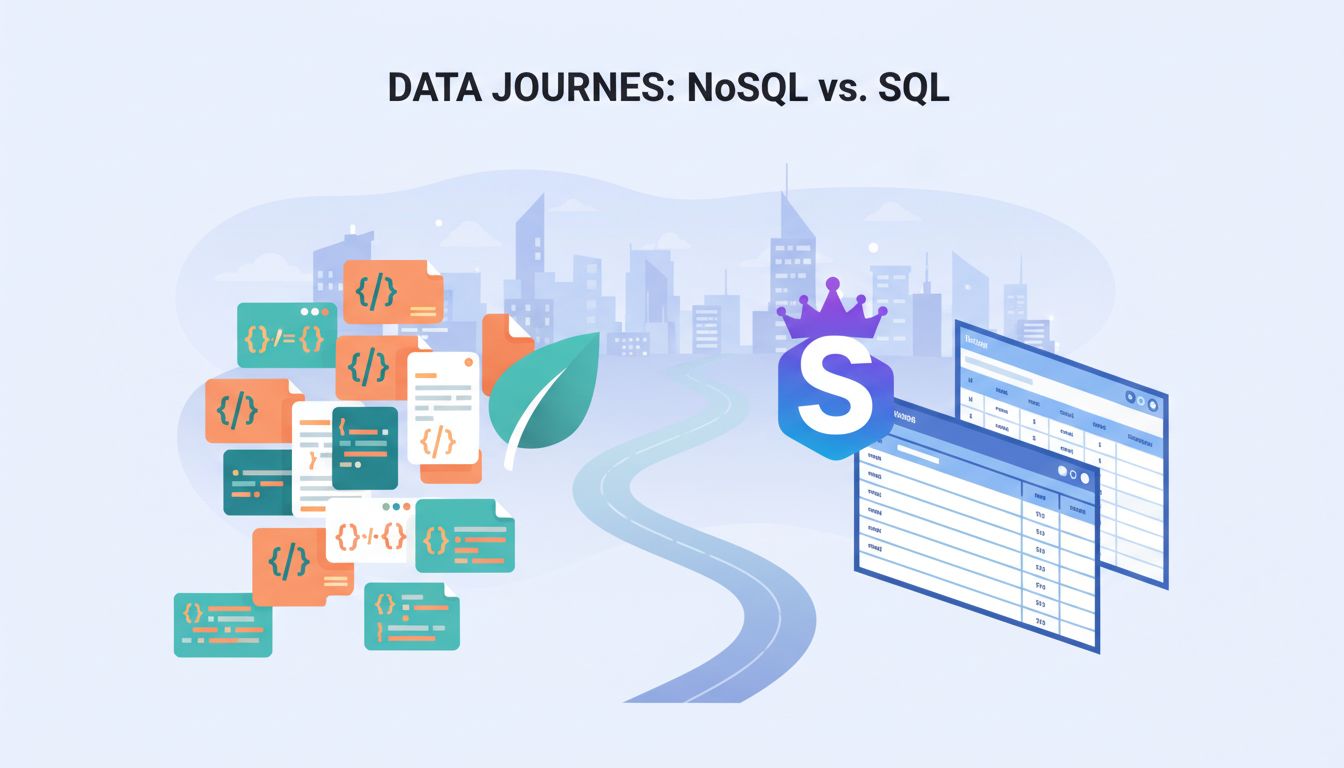
MongoDB vs Supabase Showdown (2026): Which One Fits Your App?
Table of Contents
Picking a backend can feel like choosing a vehicle for a road trip. Are you hauling furniture, or just heading to the beach? In the mongodb vs supabase debate, the wrong choice still “works”, but you’ll pay for it later.
My bottom line is simple: if I want PostgreSQL, SQL, and built-in product features (auth, real-time, storage), I reach for the Firebase alternative Supabase. If I need a NoSQL database with a document model that bends with my data, or I’m planning for huge write scale and a flexible schema, I reach for MongoDB.
Both are legit in 2026. They just optimize for different kinds of work, and different kinds of teams.
What I’m really choosing in MongoDB vs Supabase
MongoDB is a NoSQL database. I store JSON-like documents, index the fields I query, and ship. The center of gravity is the database itself: collections, documents, indexes, and an expressive aggregation pipeline. In practice, many teams run it on MongoDB Atlas, which adds managed ops and options like serverless scaling and built-in search and vector search features.
Supabase is not “a database”. It’s a backend-as-a-service platform built around PostgreSQL, a relational database. I still model tables, constraints, and indexes like normal Postgres, but Supabase wraps it with convenience: REST API and SDKs, real-time subscriptions, authentication, row-level security (RLS), file storage, and functions. That bundle matters when I’m trying to get a product out the door.
If you want a third-party snapshot of positioning and adoption, I’ve found this data-backed MongoDB vs Supabase comparison useful as a sanity check (even if you won’t agree with every scoring choice).
Here’s the mental model I use:
- MongoDB asks, “How do you want to shape your data today?”
- Supabase asks, “How fast do you want a complete app backend?”
A quick reality check on “open-source” and “self-hosted”: both ecosystems support running outside their hosted offerings, but most teams still pick a managed path. That means you’re also choosing operational defaults, billing models, and what’s easy versus what’s possible.
My most common gotcha: Supabase feels like magic until you realize RLS is part of your app logic. Treat policies like code, test them, and review them.
How data modeling and querying feels day-to-day
The biggest difference shows up on week three, not day one.
With MongoDB, a NoSQL database, I can start with a flexible schema and evolve it fast. That’s great when product requirements are moving. It’s also great when I naturally have nested data (profiles, settings, event payloads). The tradeoff is that I need discipline. Without it, teams end up with “JSON soup”, where every document looks slightly different and queries get slow or fragile.
With Supabase, a relational database, I’m committing to Postgres structure for structured data. I define tables, types, foreign keys, and constraints. That structure pays me back with stronger guarantees and easier reporting since PostgreSQL is ACID compliant. SQL is still the best tool I know for “slice, group, join, aggregate”, especially when the product team wants answers quickly.
To make it concrete, here’s a tiny example of “get the 20 newest posts for an author”. This is intentionally boring because most apps are boring in the best way.
| Task | MongoDB query | SQL via Supabase (PostgreSQL) |
|---|---|---|
| Fetch newest posts by author | db.posts.find({ authorId: "u_123", status: "published" }).sort({ createdAt: -1 }).limit(20) | select * from posts where author_id = 'u_123' and status = 'published' order by created_at desc limit 20; |
Both are readable. The difference shows up when the query grows up. In Postgres, I’ll join to authors, filter by plan, and group by week in one place. In MongoDB, I might do it in the aggregation framework, or I might pre-shape data to avoid expensive cross-collection work.
When I want a broad feature checklist (integrations, support, pricing knobs), I sometimes skim a neutral aggregator like this MongoDB vs Supabase feature and cost comparison, then I go validate the items that matter to me.
Recommendations by use case (plus the costs people miss)
I don’t pick databases by ideology anymore. I pick them by the app I’m shipping, what I can afford to maintain.
CRUD apps and internal tools
If I’m building a straightforward CRUD product for basic crud operations (admin panels, inventory, bookings), Supabase is usually my first choice. Postgres fits the shape of the data, and Supabase gives me built-in authentication and APIs quickly. I also like having constraints catch bugs early.
MongoDB still works here, but I only choose it when I expect the data shape to change weekly, or when documents map cleanly to my domain.
Analytics, reporting, and “questions from the CEO”
For analytics-heavy products, Supabase wins for me because it’s Postgres. SQL plus indexes plus views is a reliable combo. Even if I later add a warehouse, I still like starting with clean relational data.
MongoDB can do analytics, especially with the aggregation pipeline, but I find it easier to paint myself into a corner with inconsistent fields.
Multi-tenant SaaS
If multi-tenant SaaS is on the roadmap, I lean Supabase for one reason: row-level security. When I can express “users only see rows they own” at the database layer, I sleep better. It also reduces the number of “oops, we forgot a WHERE clause” incidents. Supabase’s serverless functions help enforce additional logic securely.
MongoDB can isolate tenants too, but I usually end up enforcing it in application code, plus careful index design.
Realtime collaborative apps
This one depends on what “realtime” means.
If I want real-time updates tied to table changes (chat, dashboards, presence-like updates), Supabase Realtime and edge functions feel direct and productive for real-time updates. If I need deep control over event streams, custom fan-out, or I’m already on MongoDB and want to react to changes, MongoDB change streams can be a good fit for real-time updates, but I’m signing up to manage more moving parts.
Hidden costs and operational tradeoffs
This is where teams get surprised:
- Backups and restores: Managed backups and high availability are easy to enable in the right pricing tier, but restores and point-in-time recovery drills still take time.
- Migrations: Supabase means Postgres migrations are real work. MongoDB means “schema changes” move into code and backfills.
- Observability: Query performance problems look different in each system. Budget time for slow query logs, index reviews, and connection monitoring.
- Vendor lock-in: Supabase keeps you close to standard Postgres, but you may rely on platform features (built-in authentication, file storage, realtime). MongoDB’s query model and operational patterns can be harder to translate to another database later.
If you want a founder-friendly read on how teams weigh these tradeoffs in 2026 with a focus on developer experience, this database software guide for startups lines up with a lot of what I see in practice.
Quick decision matrix
Here’s the shortest version of my own decision matrix:
| If I’m building… | I’d pick | Because… |
|---|---|---|
| MVP with auth, simple data | Supabase | Fast backend features, strong defaults |
| Reporting-heavy SaaS | Supabase | SQL, joins, and constraints pay off |
| Rapidly changing, nested data | MongoDB | Flexible document model reduces friction |
| Very high write scale with flexible schema | MongoDB | Horizontal scalability and sharding patterns are mature |
| Multi-tenant app with strict isolation | Supabase | RLS is a real safety net |
| Search plus vectors as a core feature | Tie | MongoDB Atlas search is strong, Postgres pgvector is solid too |
Pros and cons I keep in mind
- MongoDB pros: flexible documents, strong horizontal scalability with sharding, great for event-style data.
- MongoDB cons: cross-entity queries can get messy, tenant isolation often moves to app code.
- Supabase pros: Postgres reliability, RLS for multi-tenant safety, built-in authentication and realtime.
- Supabase cons: migrations are part of life, extreme write scale can push you toward specialized setups.
My take
When I zoom out, mongodb vs supabase isn’t a “which is better” question. It’s a question about where I want complexity to live. Supabase pushes structure and safety down into Postgres. MongoDB pushes flexibility into the data model, then asks me to stay disciplined.
If you tell me what you’re building (and what you expect to change in six months), I can usually make a confident pick in 10 minutes. The choice between a NoSQL database and a relational database depends on the long-term needs of your app. The real win is choosing the one that delivers the best developer experience, the one you can operate calmly when traffic, features, and expectations all grow at once. In the mongodb vs supabase comparison, Supabase offers key conveniences like built-in authentication and REST API alongside Postgres structure, while MongoDB provides the flexibility of its document model.