Best Blog Automation Tools for Writing, SEO, and Publishing in 2026
Table of Contents
Blogging still takes real work. I need ideas, outlines, drafts, SEO help, publishing, and then repurposing after the post goes live. That’s why I care so much about blog automation tools that save time without turning my site into a machine-made content farm.
When I say blog automation, I mean software that handles repeat tasks for me. It can help with research, drafting, optimization, scheduling, publishing, and workflow handoffs. My judgment still matters most. If you want a deeper look at that balance, this AI blogging guide for faster writing is worth a read.
This list is built for real use, not hype. I’m comparing tools for different budgets and goals, but if I had to pick one place to start, RightBlogger is my top choice.
Key Takeaways: The Best Blog Automation Tools at a Glance
If I want one platform that covers planning, writing, SEO, repurposing, and auto-publishing, RightBlogger is the strongest all-around pick.
If my focus is search traffic first, Outrank stands out for SEO-led publishing and backlink support, though it looks pricier and less transparent.
For multi-site and multilingual autopilot workflows, Arvow looks promising, especially for agencies. I’d just want to vet it carefully because public third-party coverage is still thin.
If I want lower-cost SEO content generation, SEOWriting AI offers a lot for the money.
For connecting apps and automating the steps around content, Zapier is still one of the easiest tools to trust.
If I need more workflow control than a writing app can give me, Make is a strong extra contender.
The Best Blog Automation Tools I Recommend in 2026
I rank these tools on a few simple things: ease of use, writing quality, SEO support, publishing options, workflow depth, scale, and price. That matters because the best choice depends on what I’m trying to automate.
Some people want an all-in-one blog system. Others want near-autopilot publishing. A lot of teams just need better workflow automation around content. Those are very different jobs, so I don’t treat these tools like they’re all competing on the same field.
RightBlogger Is My Top Pick for All-in-One Blog Automation
RightBlogger gives me the best mix of speed and control. It handles article writing, content planning, keyword clustering, editing, repurposing, voice tuning with MyTone, and auto-publishing to platforms like WordPress, Webflow, Ghost, Wix, Shopify, and Duda. RyRob’s own roundup of the best AI blogging tools for 2026 also puts it at the center of an AI-first blogging stack, and that matches what I look for in an all-in-one system.
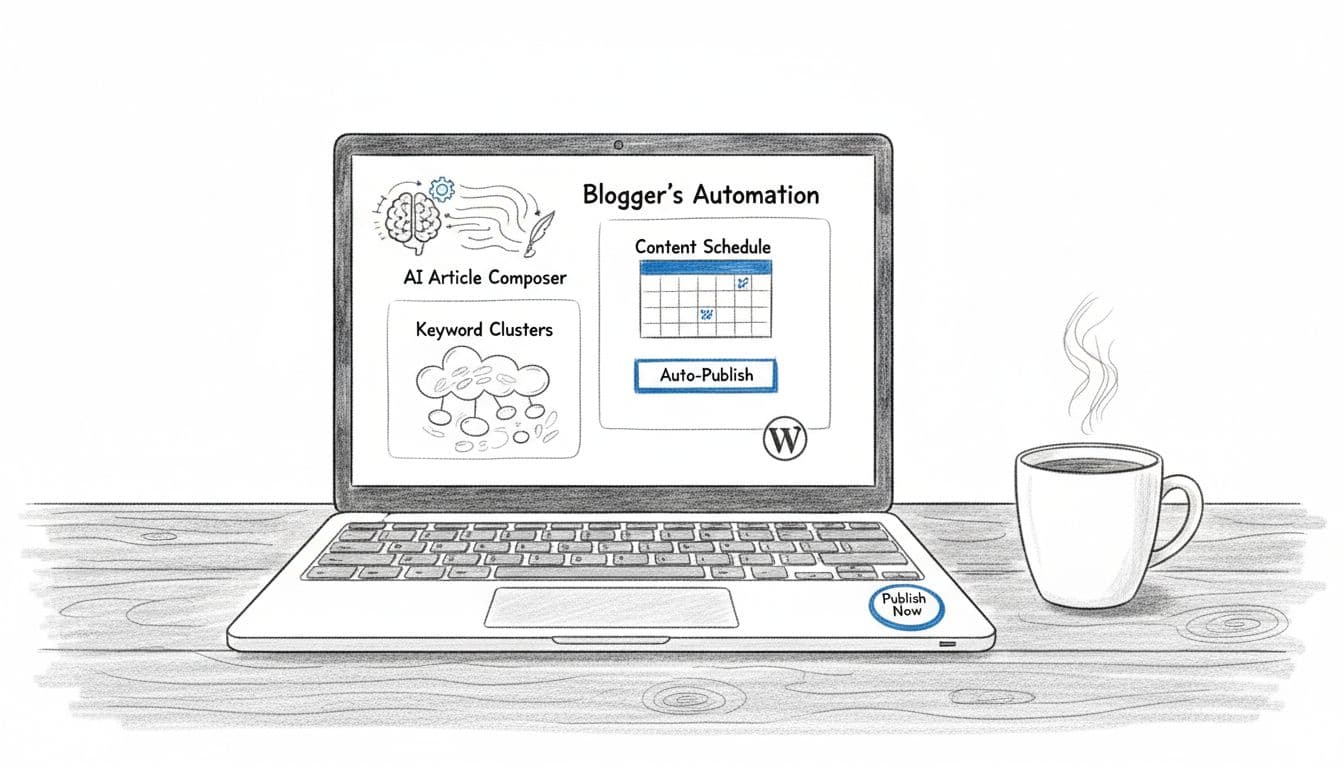
What I like most is the range. I don’t have to patch together five tools just to get from keyword idea to published post. As of March 2026, I found a free plan with 2,000 words per month, then Lite at $17.99, Pro at $39.99, and Business at $69.99 monthly. Pro is where the real automation starts, because that’s where unlimited words and autoblogging show up.
The pros are clear: strong blog-specific features, useful SEO help, built-in planning, repurposing tools, and broad CMS support. The main con is simple too. If I only need one narrow task, it can feel like more platform than I need. For solo bloggers, creators, agencies, and teams that want one home base, though, it’s the best overall choice. For more context, RightBlogger’s own 2026 autoblogging tools roundup gives a good picture of where this category is heading.
Outrank Is Great for SEO-Driven Publishing and Built-In Backlinks
Outrank looks strongest when my goal is traffic-first publishing. It’s built around keyword automation, content briefs, long-form drafting, auto-publishing, and backlink support. That combo is attractive if I’m running an affiliate site or a niche content engine.
I’ve seen current roundups cite entry pricing around $99 per month, but I couldn’t verify a full March 2026 pricing breakdown from fresh public data. That lack of transparency is the biggest drawback for me. Still, its upside is clear: strong SEO focus, autopilot content workflows, and backlink help in one package. If rankings are the scoreboard I care about most, Outrank belongs on the shortlist.
Arvow Works Well for Full Autopilot Content Across Multiple Sites
Arvow is the tool I’d look at for hands-off publishing across several sites. It supports different automation modes, content pulled from sources like RSS and YouTube, multilingual publishing, SEO add-ons, and agency-style reporting.
I’ve seen public comparisons place starting pricing around $39 per month, though independent reviews are still limited. That matters. When outside validation is light, I stay careful. Still, Arvow’s own 2026 autoblogging overview lines up with what agencies usually want, which is scale, multiple content sources, and easier client reporting. Best for: multi-site operators, publishers, and agencies that want more autopilot than hand-holding.
SEOWriting AI Is a Smart Pick if I Want Strong SEO Features on a Smaller Budget
SEOWriting AI hits a nice value point. It offers one-click article generation, WordPress publishing, image generation, SERP analysis, and support for more than just blog posts. That makes it a solid pick when I want search-focused content fast without paying premium-tool prices.
Public comparisons commonly place plans around $14 per month, with higher tiers around $59 per month. If that pricing holds, it’s one of the more budget-friendly options in this group. The pros are speed, SEO focus, and affordability. The cons are predictable too: I’d still want a strong edit pass, because lower-cost AI writing tools can sound flat if I publish the first draft.
Zapier Helps Me Automate the Blog Workflow Around My Content
Zapier is different from the tools above. It’s not my first choice for writing full articles. It’s my first choice when I want apps to talk to each other without babysitting them.
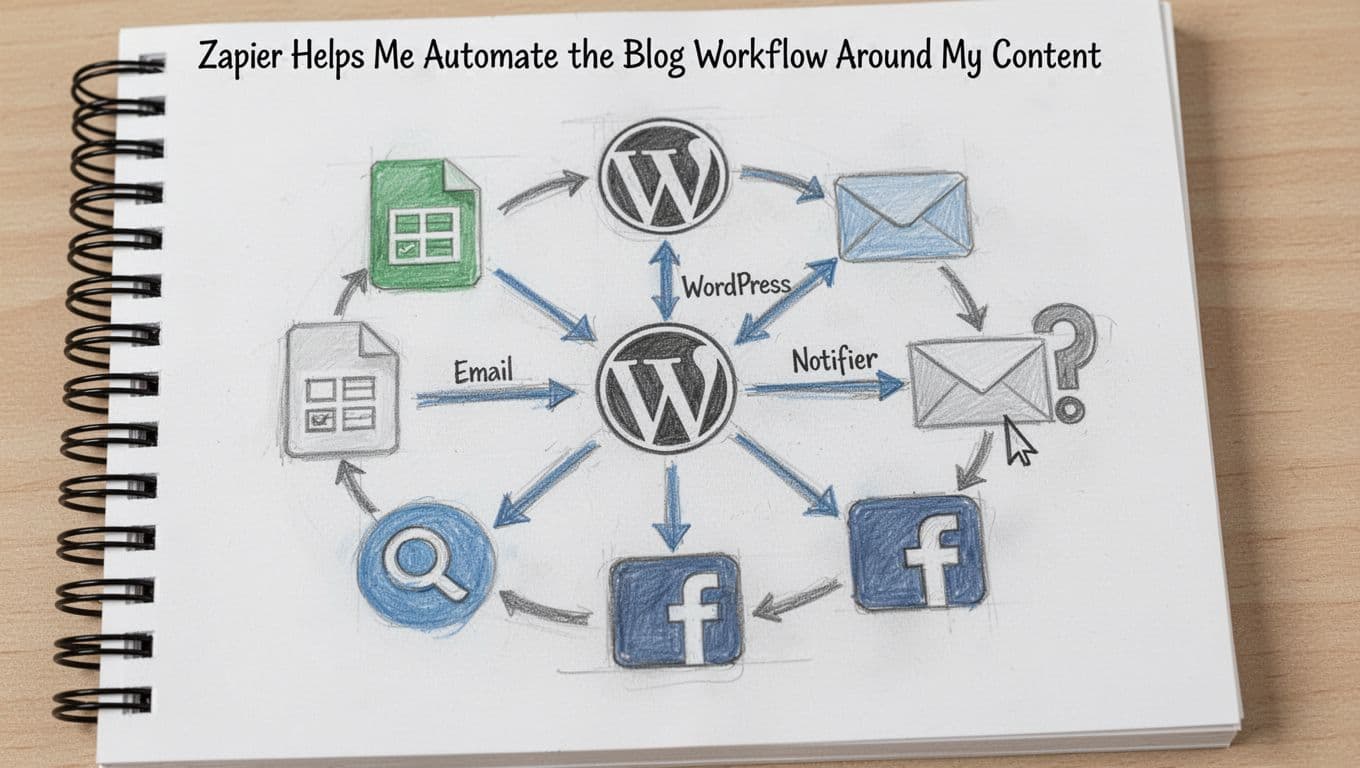
I can use it to send form ideas into Google Sheets, create draft tasks in a project tool, notify my team in Slack, push updates into my CMS, and trigger email or social steps after publishing. That’s why I still recommend it. The free plan is enough to test simple workflows, and paid plans start at $19.99 per month for more tasks.
The upside is flexibility and ease. The downside is that task counts can get expensive as volume grows. Zapier’s own AI automation tools guide is also a good reminder that workflow automation and AI writing are related, but not the same thing.
One More Strong Option to Consider if I Want More Workflow Control
Make is my extra contender. It gives me a visual workflow builder, stronger branching logic, and lower starting costs than Zapier in many cases. Plans start at $9 per month, plus a free tier.
If I’m building more advanced content systems, Make often gives me more room to grow. The tradeoff is setup time. It’s better for power users than beginners.
How I Would Choose the Right Blog Automation Tool for My Needs
I’d start with my real bottleneck. If writing is slow, I want a blog-first AI tool. If publishing across many apps is messy, I want workflow automation. If I’m managing several sites, I want scale and multi-site control.
The Best Fit for Beginners, Budget Bloggers, and Solo Creators
For most beginners, I’d pick RightBlogger or SEOWriting AI. RightBlogger is easier if I want one place to plan, draft, optimize, and publish. SEOWriting AI is appealing if budget matters most. I’d only add Zapier when I actually need app connections.
The Best Fit for Agencies, Teams, and Multi-Site Publishing
For agencies or content teams, I’d look first at RightBlogger, Arvow, and Outrank. RightBlogger gives the broadest all-in-one stack. Arvow fits heavy multi-site autopilot. Outrank fits teams chasing search visibility above all else.
Blog Automation Best Practices So My Content Still Feels Human
Automation works best when it removes repeat work, not when it replaces judgment.
The fastest workflow in the world still fails if the final post sounds generic or gets facts wrong.
Automate Research, Drafting, and Publishing, but Always Review Before Posting
AI can save me hours. It can’t protect my reputation. Before anything goes live, I check facts, examples, links, brand voice, and claims. I also make sure the article actually answers the reader’s problem.

Train the Tool on My Voice and Build a Simple Workflow First
I don’t try to automate everything on day one. I start with one clean path, keyword to draft to edit to publish. Voice controls matter here too. If a tool can learn how I sound, I spend less time rewriting bland copy.
Track What Performs, Then Update the System Over Time
The best setup is never set-and-forget. I watch rankings, clicks, time on page, and conversions. Then I tune the system. If you want a solid framework for that side of the process, RyRob’s guide to AI tools for SEO in 2026 pairs well with any of the tools on this list.
Common Questions I Had About Blog Automation Tools
Can Blog Automation Tools Write Posts That Rank?
Yes, they can help. Still, ranking comes from topic choice, usefulness, internal linking, clear structure, and editing, not just fast drafting.
Will Google Penalize Automated Blog Content?
Google cares more about content quality than how I produced the draft. Thin, wrong, or lazy content is the real problem.
What’s the Best Tool if I Want the Fewest Moving Parts?
RightBlogger is my pick. It covers the most blogging jobs in one place.
What’s Best if I Only Need Workflow Automation?
Zapier is the easiest place to start. Make is better if I need more complex flows and lower-cost scaling.
Are These Tools Good for Agencies?
Yes, especially RightBlogger, Arvow, and Outrank. They make more sense once I’m managing multiple sites or client workflows.
The best blog automation tools don’t replace good blogging. They give me more time to do the part that matters, which is thinking clearly and writing something worth reading. If I wanted one tool to start with today, I’d choose RightBlogger, then build outward only when I hit a real limit.