Best Managed WordPress Hosting for Bloggers in 2026
Table of Contents
A slow blog feels like a coffee shop with a locked door; people leave before they even step in. When I choose managed WordPress hosting, I care about performance optimization and how much work it takes off my plate, not how flashy the sales page looks.
In 2026, bloggers can get speed, backups, security, and staging without paying enterprise prices. Still, choosing the right managed hosting provider means finding a reliable partner; some feel like helpful assistants, while others feel like landlords who ignore your texts. Here’s where I’d put my money this year.
What I look for before I pay for hosting
For bloggers, the label matters less than the workload. Some plans are true premium managed wordpress hosting. Others are WordPress-tuned plans with most of the same day-to-day help. Unlike standard shared hosting, I want the host to handle automatic updates for core software, server-level caching, automated backups, and security features well enough that I can focus on writing.
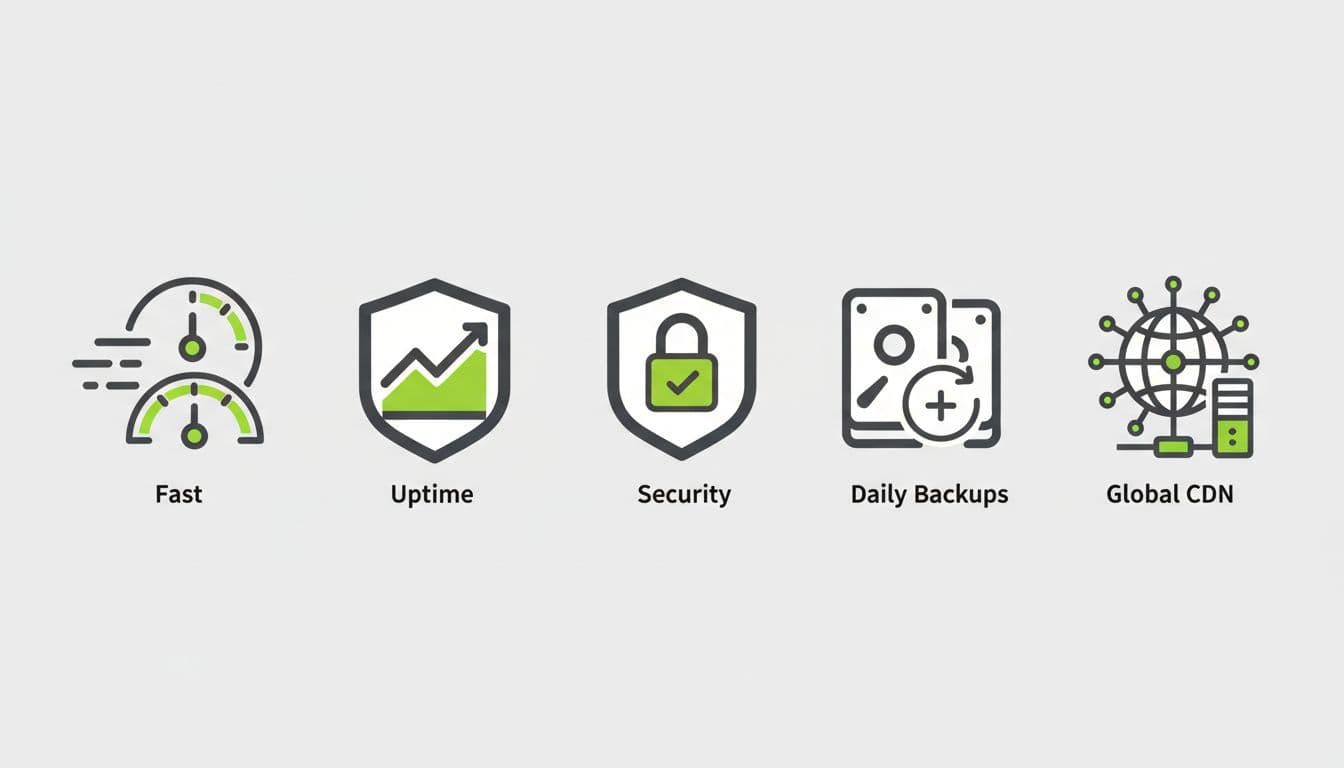
Speed comes first. If my blog drags, readers bounce, ad revenue drops, and search traffic gets harder to keep. I also want at least a 99.9% uptime guarantee, a built-in content delivery network, daily backups, staging sites, malware scanning, and 24/7 support that can answer WordPress questions without sending me in circles.
Migration matters, too. A host can look great on paper, but if moving my site feels like hauling furniture up five flights of stairs, I’m out. I also check scalability when traffic jumps, because a good post can turn into a busy week fast.
The cheapest intro price rarely wins. Renewal pricing and support quality matter a lot more after month three.
Before I trust any host, I like to compare vendor claims with independent hosting tests and a recent 2026 managed hosting comparison. If I want a wider shortlist beyond this post, SmartWP’s top 14 WP hosts tested and compared is a helpful place to keep researching.
Best Managed WordPress Hosting Picks for Bloggers in 2026
Here’s the short version before I break each host down.
| Host | Best for | Start price | Standout strengths | Main downside |
|---|---|---|---|---|
| SiteGround | Most bloggers | $2.99/mo | Strong uptime, backups, CDN, support | Renewal jumps to $17.99/mo |
| Hostinger | Tight budgets | $1.99/mo | Low cost, LiteSpeed, easy setup | Support is less polished |
| Rocket.net | Speed-first blogs | $30/mo | Cloudflare Enterprise, top performance | Premium price |
| DreamPress | Mid-range value | $14.99/mo | NVMe storage, bundled CDN, reliability | Support trails competitors |
| Bluehost Cloud | Beginners | $29.99/mo | Easy dashboard, staging, backups | Renewal jumps to $79.99/mo |
If I had to sum it up fast, SiteGround is the safest all-around pick, Rocket.net is the fastest, and Hostinger gives the best entry-level value.
SiteGround
If I were choosing one host for most bloggers, I’d start with SiteGround. At about $2.99 per month to start, it gives me strong uptime, fast global delivery, daily backups, and expert support. The free migrations and multiple data center locations also make it easy to grow and handle traffic spikes effectively.
Pros: strong balance of price, speed, uptime, and support.
Cons: the renewal rate rises to about $17.99 per month, and bigger traffic spikes can push me to upgrade sooner.
Hostinger
Hostinger is the budget pick I’d recommend as a step up from basic shared hosting when money is tight but I still want a solid experience. Starting around $1.99 per month, it brings LiteSpeed performance, simple setup, SSL certificates for security, and a clean path for new bloggers who don’t want to babysit a server.
Pros: low starting cost, beginner-friendly dashboard, strong value for small blogs.
Cons: support isn’t as strong as SiteGround’s, and it feels less premium once my blog starts pulling serious traffic.
Rocket.net
Rocket.net, a leading managed hosting provider, is what I’d buy when speed is the whole point. It starts around $30 per month, which is a real jump, but the Cloudflare Enterprise integration, edge delivery, web application firewall, DDoS protection, and high-touch support make it one of the fastest managed WordPress hosting options for content-heavy blogs.
Pros: top-tier performance, excellent uptime, strong support, premium CDN setup.
Cons: it’s expensive, so it makes more sense once my blog already earns or gets steady traffic.
DreamPress
DreamPress sits in a nice middle lane. Starting at $14.99 per month, it offers NVMe storage, a bundled CDN, tuned WordPress performance, excellent scalability, and very strong reliability. I like it for bloggers and ecommerce websites, especially those using WooCommerce, who’ve outgrown entry plans but aren’t ready for premium pricing like Rocket.net.
Pros: good value for the speed, reliable uptime, sensible mid-range pricing.
Cons: support looks weaker than the top two, so I wouldn’t pick it if I expect lots of hand-holding.
Bluehost Cloud
Bluehost Cloud is the beginner-friendly premium pick. At $29.99 per month to start, it gives me developer tools like SSH access and WP-CLI, automated backups, staging, malware detection and removal, a web application firewall, plus a dashboard that doesn’t fight me and plans that often include premium themes. If I’m new and want a smoother setup, that ease has value.
Pros: easy to use, solid support, good built-in tools for testing changes safely.
Cons: the renewal price climbs hard, up to about $79.99 per month, so long-term value is weaker.
How I’d choose the right host for my blog
If I were starting from zero, I’d pick Hostinger for the lowest budget or SiteGround for the better long-term balance as managed WordPress hosting options. If my blog already gets search traffic, email signups, or ad revenue, I’d lean SiteGround or DreamPress. Meanwhile, if raw speed is part of my business model, Rocket.net would be worth the jump.
I also wouldn’t move without a backup and a migration plan. If the host’s free transfer tool isn’t enough, SmartWP’s guide to the best WordPress migration plugins 2026 can save a lot of stress. And if you’re still building from scratch, this 6 easy steps to launch a WP blog pairs well with your hosting choice.
The best managed hosting provider isn’t the one with the loudest ad. It’s the one that lets me publish, update, and grow without thinking about the server every day, complete with automatic updates and server optimization.
For most bloggers, I’d choose SiteGround managed WordPress hosting, where you get access to WordPress experts for reliable help. For the smallest budget, I’d go with Hostinger. For pure performance, I’d pay for Rocket.net.
Pick the host that fits your blog today, as these plans from leading managed WordPress hosting services provide easy setup for a custom domain name and connect you with WordPress experts through 24/7 support for peace of mind with expert support. Then let your content do the heavy lifting.