Blogging Tips I Use to Write Faster and Get Steady Traffic
Table of Contents
If you’ve ever stared at a blank WordPress editor and thought, “I don’t have time for this,” you’re not alone. These blogging tips help me pick better topics, write faster, and build traffic that doesn’t vanish the moment I stop posting.
This is for new WordPress bloggers and busy creators who want a blog that feels manageable. When I say “good blogging” in this post, I mean four things: a clear niche, posts that solve real problems, writing that’s easy to read, and a simple plan you can repeat.
I’m going to cover planning, writing, a few WordPress setup basics, SEO that makes sense, and promotion that won’t make you feel like a door-to-door salesperson.
Pick topics that bring the right readers, not just more readers
Early on, I chased “big” topics. The traffic looked fine on paper, but the readers weren’t a match. They didn’t subscribe, they didn’t return, and they definitely didn’t trust me yet.
Now I choose topics by starting with one reader problem. That keeps my posts focused, and it also makes them easier to rank because I’m not trying to please everyone.
Here’s the simple method I use before I write:
- Audience: Who is this for (a beginner, a parent, a freelancer)?
- Problem: What are they stuck on right now?
- Outcome: What will they be able to do after reading?
- Proof: Why should they believe me (experience, screenshots, results, examples)?
Before I open WordPress, I run a quick “should I write this?” check. If I can’t answer these in plain words, I pause.
My 60-second topic checklist:
- I can name one person this post is for.
- The problem fits my blog’s main theme.
- The outcome is specific (not “learn more”).
- I can add at least one real example, screenshot, or story.
- I can think of 2 to 3 related posts I could write next.
Use the “who, what, why now” test to validate post ideas
When I’m unsure about an idea, I pressure test it in two minutes with three questions.
Who does it help? “New WordPress bloggers who keep publishing random posts.”
What will they do after reading? “They’ll build a simple content map and plan their next month.”
Why now? “Because they’re wasting time writing posts that don’t connect.”
Here’s what this looks like in real life:
A weak idea: “How to be a better blogger.”
It’s too broad, and it doesn’t promise an action.
A stronger idea: “How I plan blog topics so each post supports the next.”
It’s clear, it has a result, and it fits a real pain point.
If I can’t answer “what will they do next,” the post usually turns into rambling advice. That’s my sign to tighten the angle.
Build a small content map so every post supports the next one
Random posting feels like throwing darts in the dark. A content map is turning on the lights.
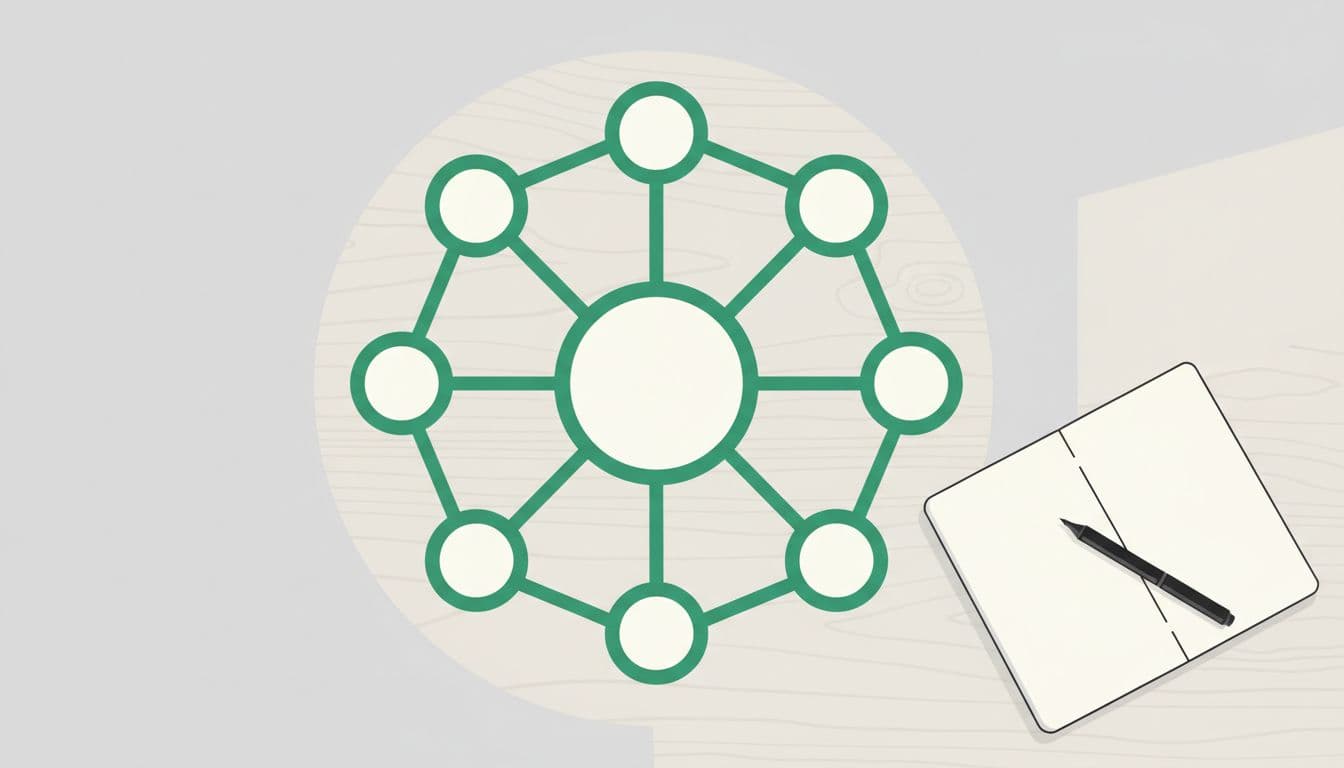
I keep it simple with a hub and spoke plan:
- 1 hub post: the main guide for a topic (the big helpful page).
- 6 to 10 supporting posts: smaller articles that answer sub-questions.
- Each supporting post links back to the hub, and sometimes to one sibling post.
In WordPress terms, I also keep my organization boring on purpose. I use a few categories that match my main topics. Then I use fewer tags than I think I need, because tag overload turns into a messy closet fast.
If you’re still setting up your site, it helps to start with a clean foundation. I like following a step-by-step guide so I don’t miss the basics like permalinks and core pages. https://smartwp.com/how-to-start-a-wordpress-blog/
A content map doesn’t make you write more. It helps you write with purpose, so every post has a job.
Write posts that are easy to skim and hard to forget
Most people don’t read blog posts. They scan them like they’re checking a weather app. I write for that behavior instead of fighting it.
My goal is 8th-grade clarity. Not because readers are careless, but because they’re busy. Short paragraphs and clear headings create trust fast. Also, when my writing is simple, my edits take half the time.
A few habits that help me the most:
- I write the intro after the outline, not before.
- I keep paragraphs to 1 to 3 sentences.
- I use headings that say what’s coming (not cute titles).
- I add visuals when they explain something faster than words.
- I include one real example, even in “simple” posts.
My simple blog post structure that keeps readers moving
When I don’t use a structure, I wander. So I stick to a template that keeps the post moving forward.
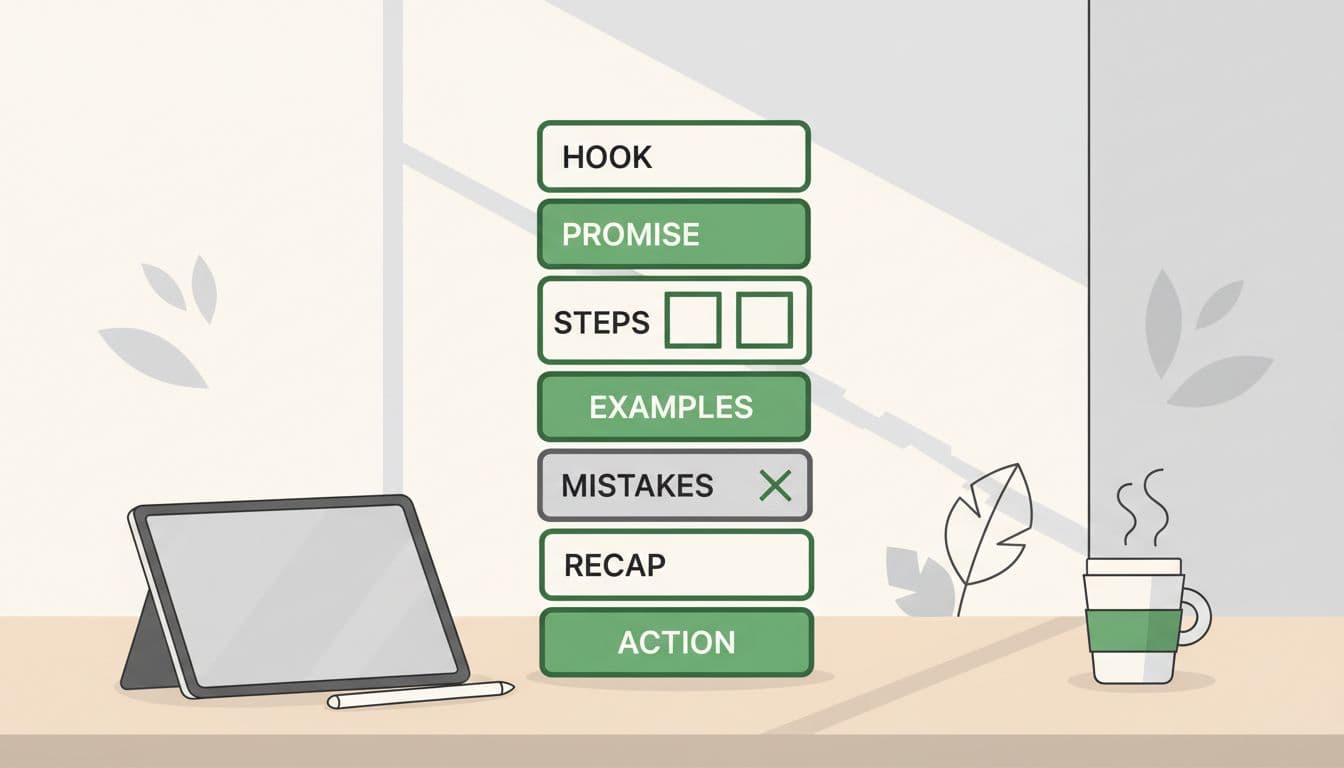
Here’s the format I use most often:
Hook, quick promise, then the main steps. After that, I add a real example, call out common mistakes, recap, and give one next action.
For longer posts, I also add a table of contents (WordPress blocks make this easy). It’s not just for looks. It reduces “scroll panic” because readers can see the path.
One more thing: I try to make each H2 stand on its own. If someone lands on the page from Google and scrolls, they should still understand the post.
Edit like a pro: cut the fluff, add proof, and answer the obvious questions
My first draft usually tries to impress. My edit tries to help.
I do two quick editing passes:
Pass one is about trimming. I shorten long sentences, remove repeats, and delete throat-clearing lines. If a sentence doesn’t push the reader forward, it goes.
Pass two is about trust. I add proof, clarity, and missing answers. If I mention a setting, I tell them where it is in WordPress. If I use a term, I define it in one line.
Here’s the editing checklist I actually use:
- Cut any paragraph that says the same thing twice.
- Replace vague words (better, nice, good) with specifics.
- Add one example, screenshot idea, or quick story.
- Check headings for clarity, not cleverness.
- Add a short FAQ if people will ask the same two questions.
If you want a faster drafting workflow, AI can help, but I still rewrite everything in my own voice. For WordPress-specific options, this roundup is useful: https://smartwp.com/wordpress-ai-plugins/
Make WordPress do the boring work so you can publish consistently
Consistency isn’t about willpower. It’s about removing friction.
When my WordPress setup is clean, I publish more. When it’s messy, I avoid it. So I focus on a few boring basics that pay off every week: a lightweight theme, a small plugin stack, solid backups, and a repeatable pre-publish checklist.
Instead of naming a hundred tools, I think in categories:
- Performance (caching, image compression)
- SEO
- Security and backups
- Editorial workflow (forms, redirects, internal linking helpers)
If you’re building your stack from scratch, this guide helps you compare options without installing everything at once: https://smartwp.com/best-wordpress-plugins/
Speed and mobile basics that help readers and SEO at the same time
Speed is user experience. It’s also a quiet ranking factor. If your page feels slow on a phone, people leave, and that hurts everything else you’re trying to do.
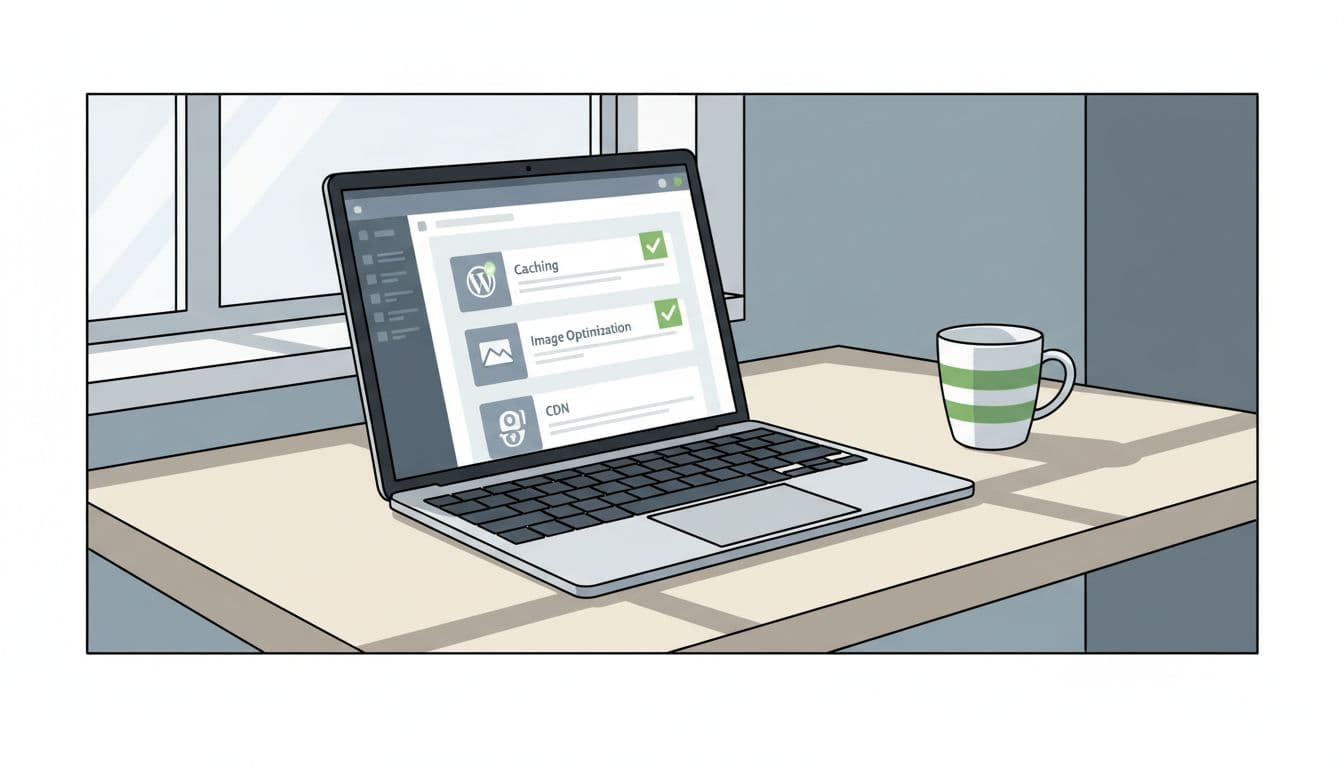
The basics I follow:
- Compress images before (or while) uploading.
- Limit heavy plugins that load scripts everywhere.
- Use caching (or pick hosting that handles it).
- Keep fonts simple, because fancy fonts often load slowly.
- Test on your own phone over cellular, not just Wi-Fi.
When I’m troubleshooting, I keep the steps simple and fix the biggest files first (usually images). This guide is a solid starting point for the common wins: https://smartwp.com/speed-up-wordpress/
A realistic publishing system I can stick with (even when I am busy)
I used to think I needed big writing days. Now I rely on small batches.
I treat publishing like meal prep. I don’t cook every night from scratch, I prep parts ahead so the week stays easy.
Here’s the workflow I stick to, with realistic time estimates:
| Stage | What I do | Typical time |
|---|---|---|
| Capture | Save ideas in one place, with a one-line angle | 5 to 10 min |
| Outline | Write headings and bullet notes, no full sentences | 20 to 30 min |
| Draft | Write fast, skip perfection | 45 to 90 min |
| Edit | Trim, add proof, format for skimmers | 30 to 60 min |
| WordPress | Add blocks, images, links, and schedule | 15 to 25 min |
| Promote | Reuse the post in a few places | 20 to 40 min |
If I’m slammed, I do just the outline. That keeps momentum. The draft gets easier later because the thinking is already done.
Get found on Google and AI search with clear, helpful SEO
I don’t treat SEO like a trick. I treat it like labeling a drawer. If the label matches what’s inside, people find what they need.
For SEO and AI search in 2026, clarity wins. That means answering the question early, using clean headings, and keeping your post organized. It also means showing basic experience signals: original examples, screenshots when needed, and direct explanations.
When I write, I aim to:
- Match search intent (what the person wants right now)
- Use the main topic phrase naturally in key spots
- Add internal links where they truly help
- Answer common questions in a short FAQ section
For a deeper WordPress-specific breakdown, I’ve used this as a reference more than once: https://smartwp.com/wordpress-seo-tips/
Do this, not that:
- Do write a clear definition near the top, not a long story first.
- Do use helpful headings, not vague ones like “Tips” or “Thoughts.”
- Do add one strong example, not five weak paragraphs.
- Do link to related posts, not stuff keywords into every line.
On-page SEO checklist I use before I hit publish
This is the last thing I do before I schedule a post. It keeps me from missing the small stuff that adds up over time.
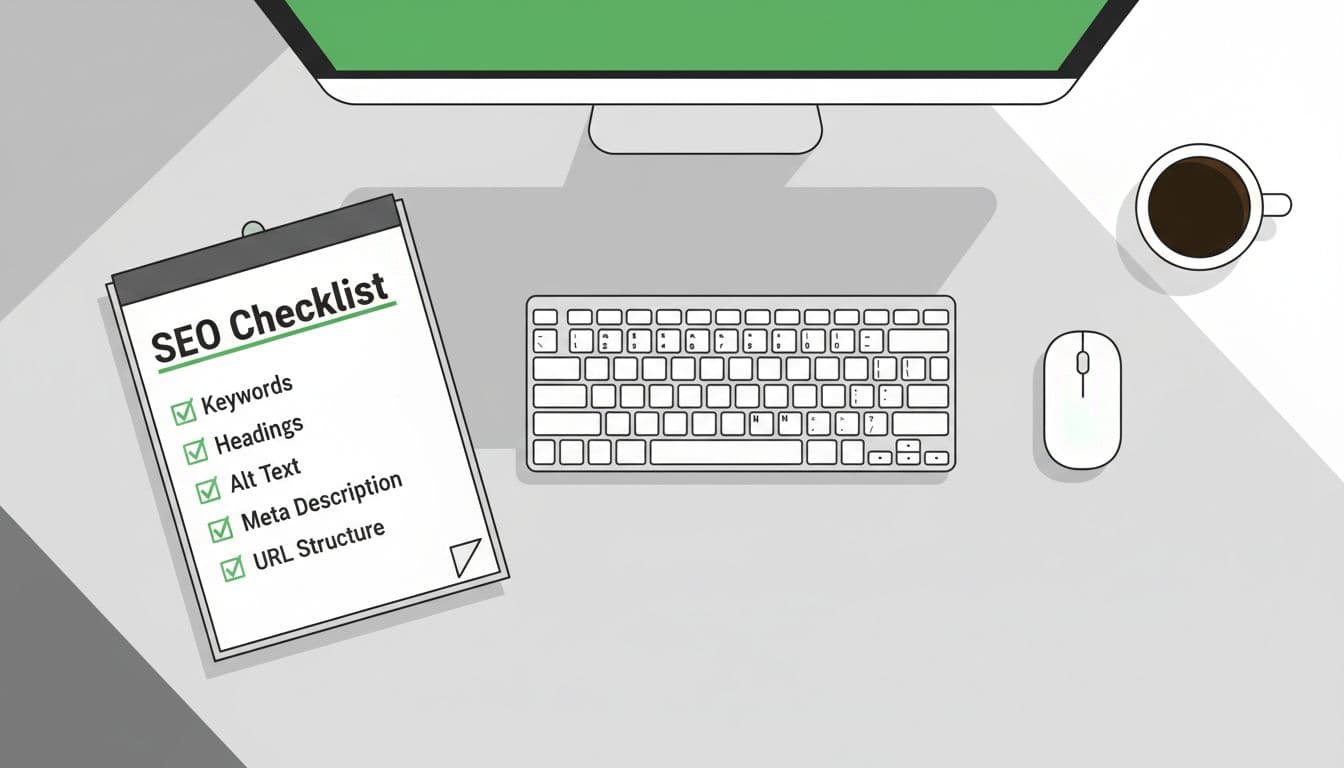
I check:
- Search intent matches the post (learn, compare, buy, fix)
- One primary topic phrase, used naturally
- Title is clear and specific (not clever)
- Meta description explains the benefit in plain words
- URL slug is short and readable
- The first 100 words say what the post delivers
- Headings outline the content honestly
- Images have helpful alt text (describe the image, don’t keyword stuff)
- Internal links added where they help the reader
- A short FAQ answers the obvious follow-ups
If I have to force a keyword into a sentence, the sentence is the problem.
Promote without spamming: reuse one post in 5 smart ways
Promotion feels gross when it’s random. It feels fine when it’s helpful.
After I publish, I reuse the post in a few places without rewriting the whole thing. I also track which channel sends the right readers, not just any readers.
Here are five ways I reuse one post:
- Send a short email to my list with the main takeaway and the link.
- Turn one key point into a simple Pinterest-style image post.
- Record a short video script based on the outline.
- Share it in one relevant community with context (what problem it solves).
- Update an older post by adding a new section and linking to the new one.
If you’re building a blog from scratch, I’d put extra energy into email early. Social posts disappear fast. Email sticks around.
Conclusion
When blogging feels hard, it usually isn’t your motivation. It’s your process. The fix is a few repeatable moves you can do even on busy weeks.
- Pick a focused topic that fits one reader problem
- Outline first, then write for skimmers
- Use a simple post template so you don’t wander
- Let WordPress handle the boring tasks (speed, backups, workflow)
- Do basic on-page SEO without stuffing keywords
- Promote once with purpose, then reuse the post
- Update older posts so your best work keeps working
Choose one of these blogging tips today, apply it, and publish a post this week. If you want more help, subscribe to the SmartWP newsletter for monthly WordPress tips, and check the SmartWP YouTube tutorials when you want a longer walkthrough.